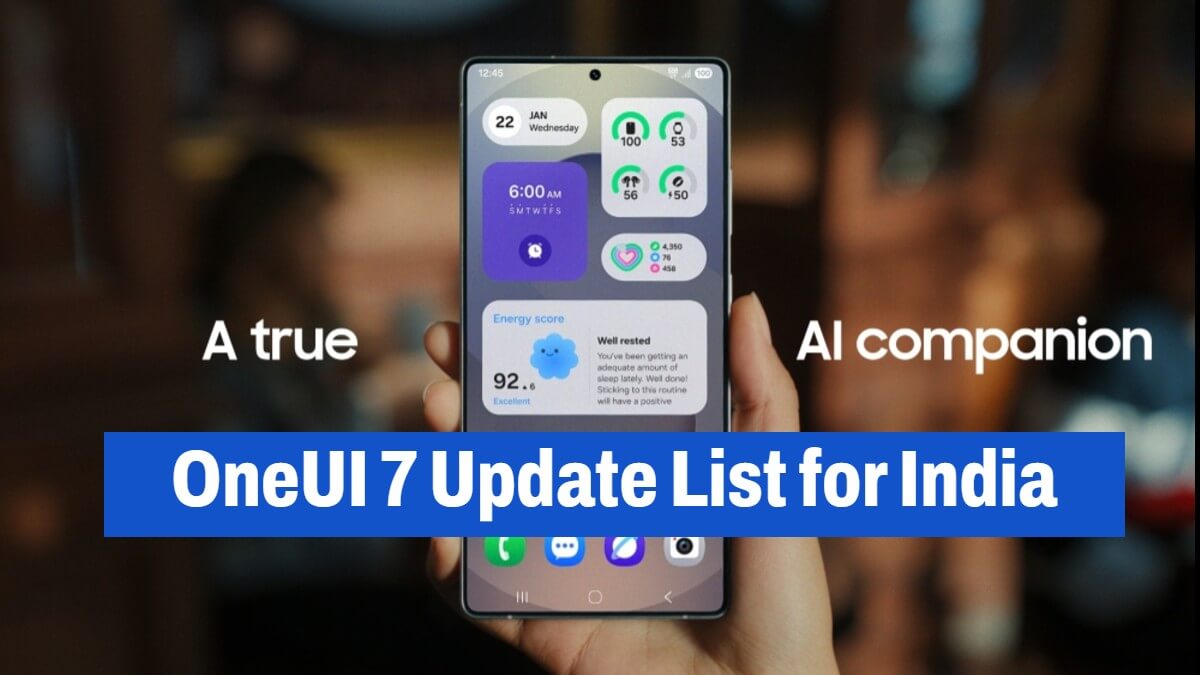
Samsung OneUI 7 Update in India: Check Eligible Devices List for One UI 7 with Android 15 update
Samsung is rolling out its Android 15-based One UI 7 update in India. One UI 7 update was initially launched in the South Korea region, now it’s rolled out for Indian smartphone users.
If you are a Samsung user and if your device is eligible, then you will get One UI 7 with Android 15 update soon.
Samsung Galaxy OneUI 7 Rollout Phase
Samsung is following its textbook update rollout strategy, ensuring a smooth transition for users. The Galaxy S24, S24+, and S24 Ultra are the first devices to receive the OneUI 7 update in India.
Other flagship models, including the Galaxy Z Fold 6 and Z Flip 6, are expected to follow shortly. By the end of April, older premium models like the Galaxy S23 series, Z Fold 5, and Z Flip 5 will also get the update. Midrange and older devices, such as the Galaxy S22 lineup and Galaxy S21 series, are scheduled to receive the update in May 2025.
Here is the complete list of eligible Samsung Galaxy devices that will receive free One UI 7 with the Android 15 update.
Samsung Galaxy S series:
- Galaxy S24 Ultra
- Galaxy S24+
- Galaxy S24
- Galaxy S24 FE
- Galaxy S23 Ultra
- Galaxy S23+
- Galaxy S23
- Galaxy S23 FE
- Galaxy S22 Ultra
- Galaxy S22+
- Galaxy S22
- Galaxy S21 Ultra
- Galaxy S21+
- Galaxy S21
- Galaxy S21 FE
Samsung Galaxy Z models
- Galaxy Z Fold 6
- Galaxy Z Flip 6
- Galaxy Z Fold Special Edition
- Galaxy Z Fold 5
- Galaxy Z Flip 5
- Galaxy Z Fold 4
- Galaxy Z Flip 4
- Galaxy Z Fold 3
- Galaxy Z Flip 3
Samsung Galaxy A models
- Galaxy A73
- Galaxy A55
- Galaxy A54
- Galaxy A53
- Galaxy A35
- Galaxy A34
- Galaxy A33
- Galaxy A25
- Galaxy A24
- Galaxy A23
- Galaxy A16
- Galaxy A15
- Galaxy A14
- Galaxy A06
- Galaxy A05
- Galaxy A05s
Samsung Galaxy F models
- Galaxy F55
- Galaxy F54
- Galaxy F34
- Galaxy F15
- Galaxy F14
- Galaxy F05
Samsung Galaxy M models
- Galaxy M55
- Galaxy M55s
- Galaxy M54
- Galaxy M53
- Galaxy M35
- Galaxy M34
- Galaxy M33
- Galaxy M15
- Galaxy M14
- Galaxy M05
Samsung Galaxy Tablets
- Galaxy Tab S10 Ultra
- Galaxy Tab S10+
- Galaxy Tab S9 Ultra
- Galaxy Tab S9+
- Galaxy Tab S9
- Galaxy Tab S9 FE+
- Galaxy Tab S9 FE
- Galaxy Tab S8 Ultra
- Galaxy Tab S8+
- Galaxy Tab S8
- Galaxy Tab S6 Lite (2024)
- Galaxy Tab A9+
- Galaxy Tab A9
- Galaxy Tab Active 5
- Galaxy Tab Active 4 Pro
Features of One UI 7
One UI 7 introduces a lot of new features and improved designed to better the user experience:
- New Design: A cleaner interface with improved home screen layouts, redesigned widgets, and easier lock screen customization.
- Now Bar: A new feature that displays real-time updates, such as fitness progress and music playback, directly on the lock screen.
- Enhanced AI Tools: Features like AI Select for extracting specific video content and Writing Assist for summarizing or reformatting long text.
- Creative Tools: Drawing Assist and Audio Eraser support content creators with sketch-to-text and noise-removal capabilities.
- Google Integration: OneUI 7 now comes with Google’s Gemini AI for natural language interactions and smart suggestions.
How to Update
To check if your device is eligible for the update, navigate to Settings > Software Update > Download and Install.
To download and install the OneUI7 update, you need to ensure your device is connected to a stable Wi-Fi network and back up your data before installing the update.
That’s it. Share with a Samsung friend 😎

Team GIK is the in-house team of Google Indic Keyboard that writes about the latest tech and trends in the tech industry. With over 6+ years of professional journalism experience, we write handpicked, curated news articles for our readers.